

Reimagine any space in seconds.
Upload one photo or an entire floor plan, up to 15 rooms at once. Rinnova Spaces restyles each with photorealistic AI, then adds an optional Twilight Transition clip in one place.
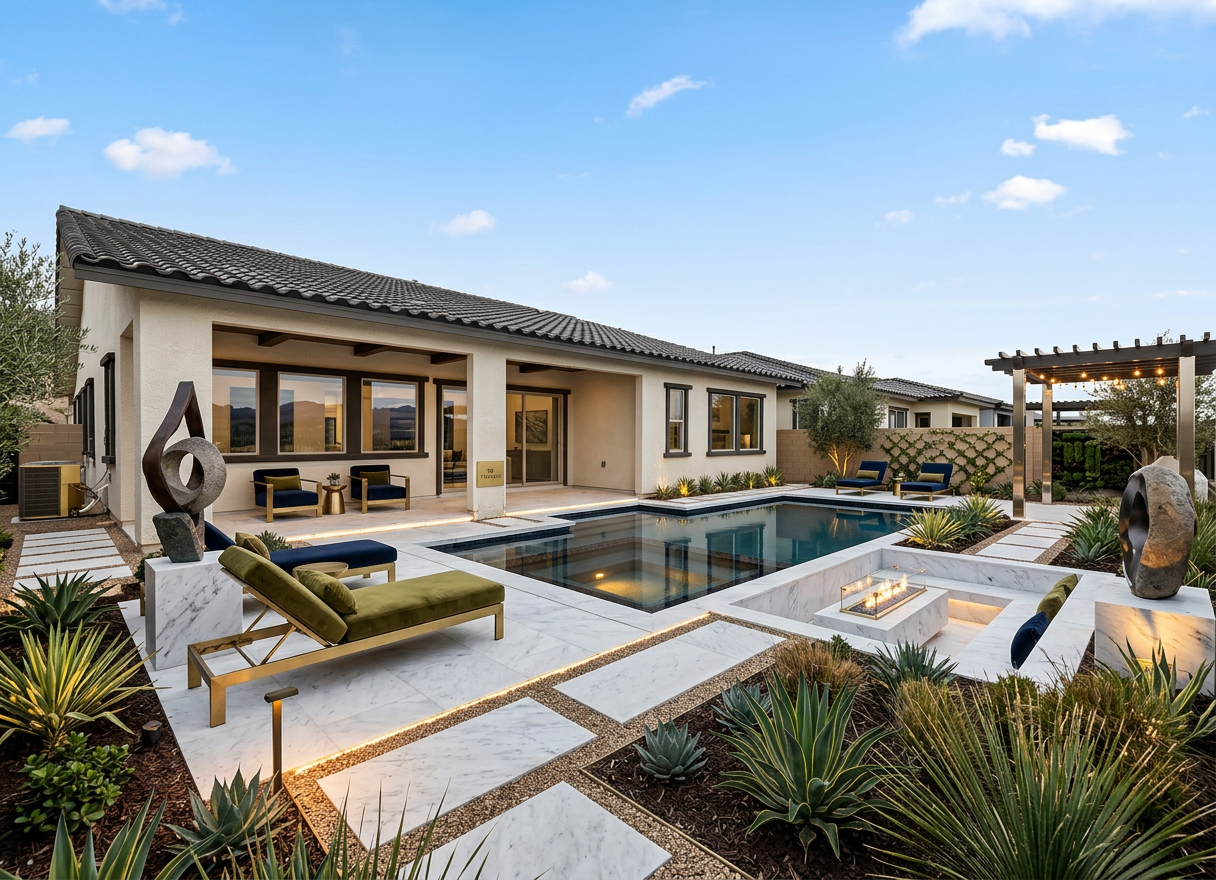
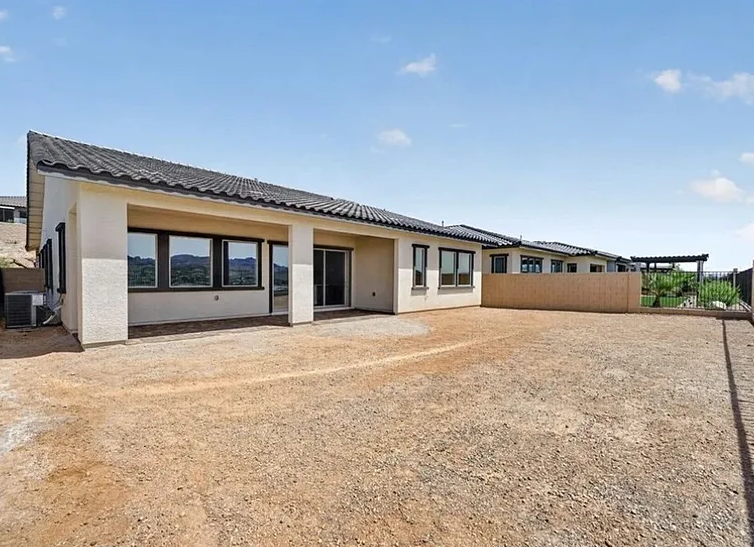
Photorealistic redesigns in about 20 seconds
Upload one photo and get a photorealistic AI redesign. Refine with plain English, batch up to 15 rooms at once, and add an optional Twilight Transition clip to any render.
- Interior, exterior, landscape, virtual staging
- 21+ design styles with AI note suggestions
- Batch up to 15 rooms at once
- Twilight Transition day-to-dusk video clip
Four steps, zero design fees
Jump into the Restyle Studio to start a new redesign.
Use any phone photo of a room, exterior, yard, or empty space.
Select a room (when applicable) and one of 21 design styles. Add optional notes.
A photorealistic redesign appears in ~20s. Refine, download, or add a Twilight clip.
More than a still image
Turn any restyle into a short cinematic clip that fades from day into golden-hour twilight. Perfect for exteriors and listing reels.
Drag the slider to see your original photo next to the AI redesign. Every detail, side by side.
Not quite right? Describe tweaks like "add a floor lamp" or "change the rug" and the AI updates just that detail.
One-tap idea chips suggest concrete materials, lighting and focal pieces based on your direction and style choice.
Upload up to 15 rooms at once and generate coordinated redesigns for the whole home in one pass.
Four studio modes cover living rooms and kitchens, home exteriors, yards and gardens, and virtual staging for listings.